Lessons 1 · How a camera works
How a camera makes a picture
Every camera, from a phone to a full-frame mirrorless body, does the same job: it collects light from the scene for a short time and records how much arrived at each point. Five parts do the work.
- The lens bends the light so that each point in the scene lands on one point of the sensor. Turning the focus ring changes which distance comes out sharp.
- The aperture is an adjustable hole inside the lens. A bigger hole lets more light through at once.
- The shutter decides how long the light is allowed in: from 1/8000 of a second to many seconds.
- The sensor is a grid of millions of tiny light buckets (pixels). Each one counts the light that fell on it.
- The processor turns those counts into a picture: it amplifies them (ISO), sets the colours (white balance), applies a tone curve and saves a JPEG or a RAW file.
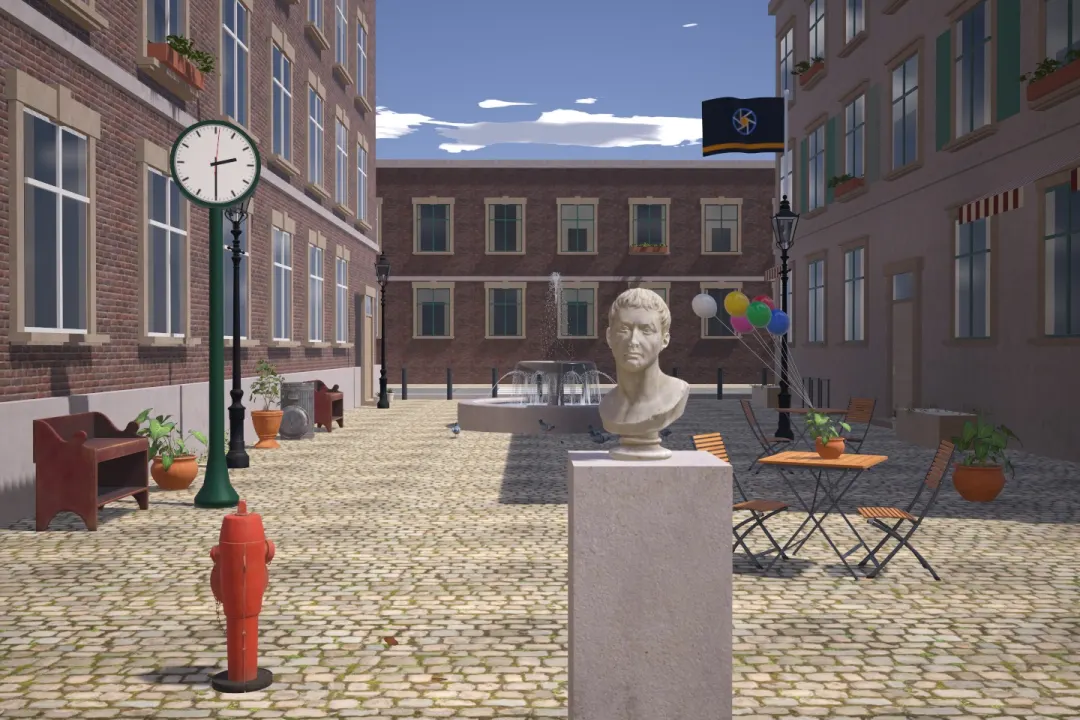
Try this: Pick a view, click anything in the picture to focus on it, then press Take photo. The camera is in Auto, so it chooses every setting for you.
Exposure: how much light the sensor gets
The world is far brighter or darker than it looks. A sunlit wall is around ten thousand times brighter than a street at night, yet your eyes adapt and both look "normal". A camera has to adapt too. The amount of light it lets onto the sensor is called the exposure, and three settings control it:
- Aperture: how big the hole is.
- Shutter speed: how long it stays open.
- ISO: how much the signal is amplified afterwards.
Get the exposure right and the picture looks like the scene. Too little light and it is dark and grainy. Too much and the bright parts turn pure white and lose all detail. The next lesson, the exposure triangle, shows how the three settings work together.
Each setting has a side effect
If brightness were the only thing that changed, cameras would not need three controls. Each one changes something else about the picture, and that is where photography gets creative:
| Setting | More light means | Side effect |
|---|---|---|
| Aperture | A wider opening (smaller f-number) | Blurrier background, thinner zone of sharpness |
| Shutter speed | A longer time | Moving things blur, and so does a shaky camera |
| ISO | More amplification | More visible grain (noise) |
What the camera measures
Before you take a picture, the camera's meter measures how bright the scene is and suggests settings that will make it look medium bright. In Auto mode it picks all three settings itself. In the other modes you pick one or more, and the camera fills in the rest. You will learn to use the meter, and to overrule it, later in this course.
How the simulator works
The scenes in this simulator store real brightness values, measured in the same units a light meter uses. The simulated camera knows nothing about which scene it is looking at. It runs the same calculations a real camera does: light through the aperture, for the shutter time, onto a sensor with real noise, then through a processor. That is why the photos it makes behave like real ones, and why every number in these lessons comes from the same model that draws the pictures.