Lessons 2 · Using your camera
The histogram and highlight warnings
Camera screens lie. In bright sun the screen looks dark; in a dark room it looks bright. The histogram does not lie. It is a graph of every pixel in the picture, sorted by brightness: shadows on the left, highlights on the right, and the height of the graph shows how many pixels have that brightness.
It does not show whether a picture is good. A night scene should lean left, a snow scene should lean right. What it shows clearly is whether anything has been pushed off either end, which is the one exposure mistake you cannot fix later.
Common shapes
- A hump in the middle that fades out at both ends: an average scene, well exposed.
- Everything bunched left, gap on the right: underexposed, unless the scene really is dark. Brightening later will bring up noise.
- A wall against the right edge: clipped highlights. The sky, a white shirt or a lamp has lost all detail.
- Peaks at both ends: the scene's contrast is bigger than the sensor can hold. Decide which end matters, or bracket.
Clipping
Every pixel can only hold so much light. Once it is full, extra light changes nothing: the value is simply "maximum". Two clouds of different brightness both become the same flat white, and no editing can separate them again. That is clipping.
Shadows behave differently. They do not hit a hard wall; they fade into noise. A slightly dark photo can usually be brightened with some extra grain. A clipped sky stays clipped. So when in doubt, protect the highlights.
Zebras and blinkies
Zebras draw moving stripes over the parts of the live view that are close to clipping, before you press the shutter. In playback, the "highlight alert" or "blinkies" makes clipped areas flash. Both point at exactly where the problem is, which the histogram cannot.
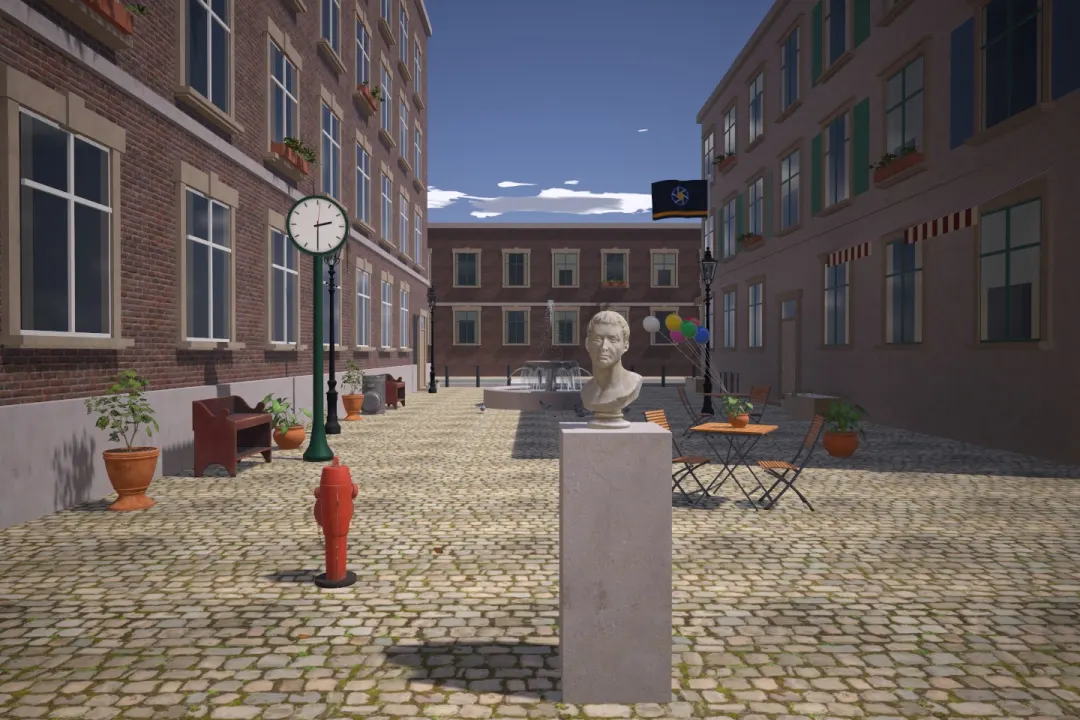
Try this: Turn on zebras and slow the shutter one stop at a time. Stripes appear where highlights clip, and the histogram piles up against the right edge. Find the slowest shutter speed with no stripes on the buildings.
JPEG and RAW
The histogram on the camera is drawn from a JPEG preview, even when you shoot RAW. A RAW file usually holds a little more highlight detail than the histogram suggests, often around half a stop to a stop. Treat that as a safety margin, not a target.
Many photographers expose so the brightest important tone sits just short of the right edge. This collects as much light as possible, which means less noise, without losing the highlights. Specular highlights, like the sun or a reflection on chrome, are allowed to clip; they are white in real life too.