18 lessons · free
Understand your camera.
Then go and use it. Short lessons explain aperture, shutter speed, ISO and focus, with a working camera inside every one.
How to use this manual
Read one idea
Each lesson takes about five minutes and explains one thing in plain words, with the numbers behind it.
Try it on the page
Turn the aperture, shutter or ISO in the simulator under the text and take a picture. Only the controls that lesson needs are shown.
Use it on your camera
Every lesson ends with where to find the setting on a modern mirrorless camera, and what to set it to.
Contents
1 How a camera works
2 Using your camera
3 Real situations
18 sections · 111 minutes of reading
Not a filter. A camera.
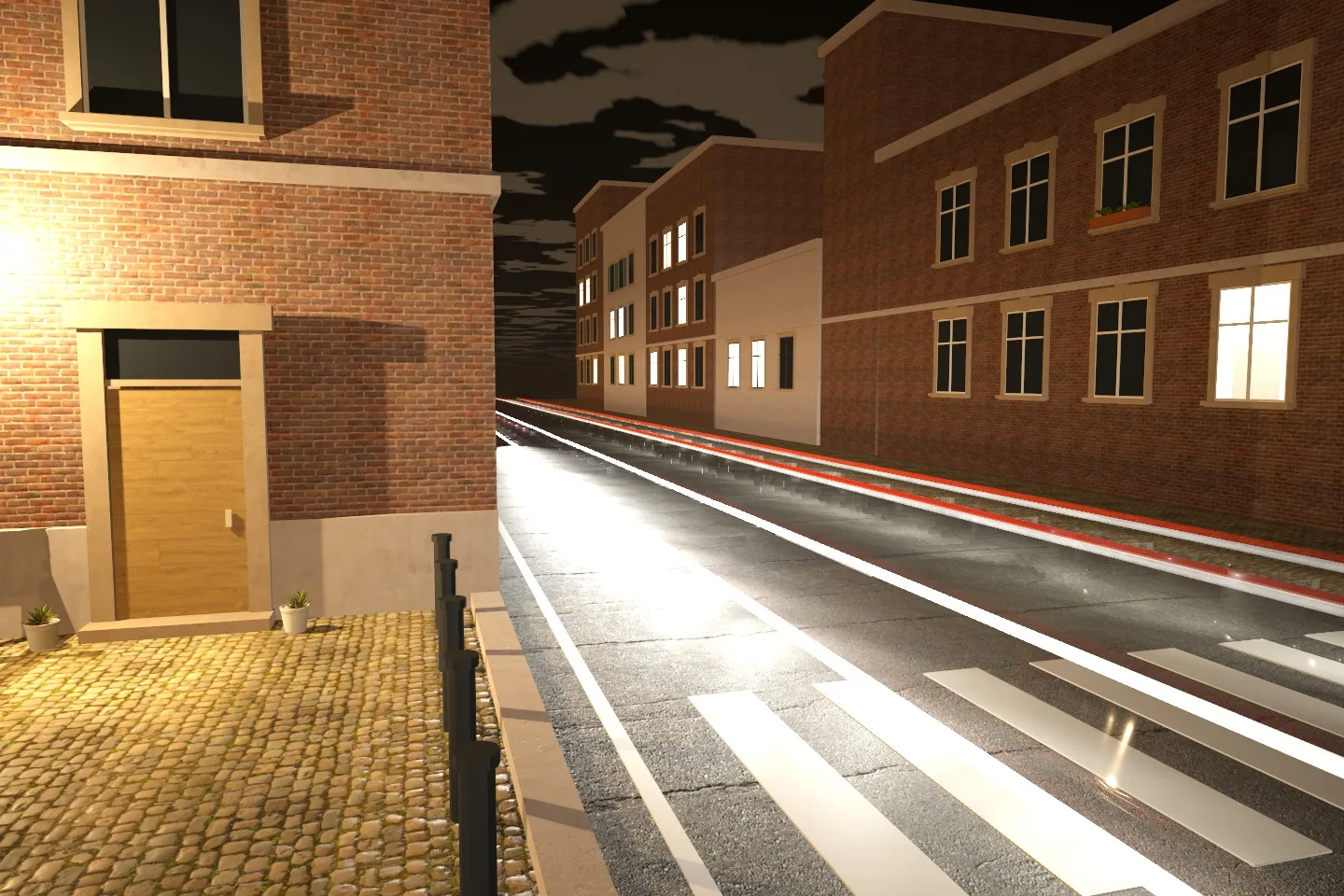
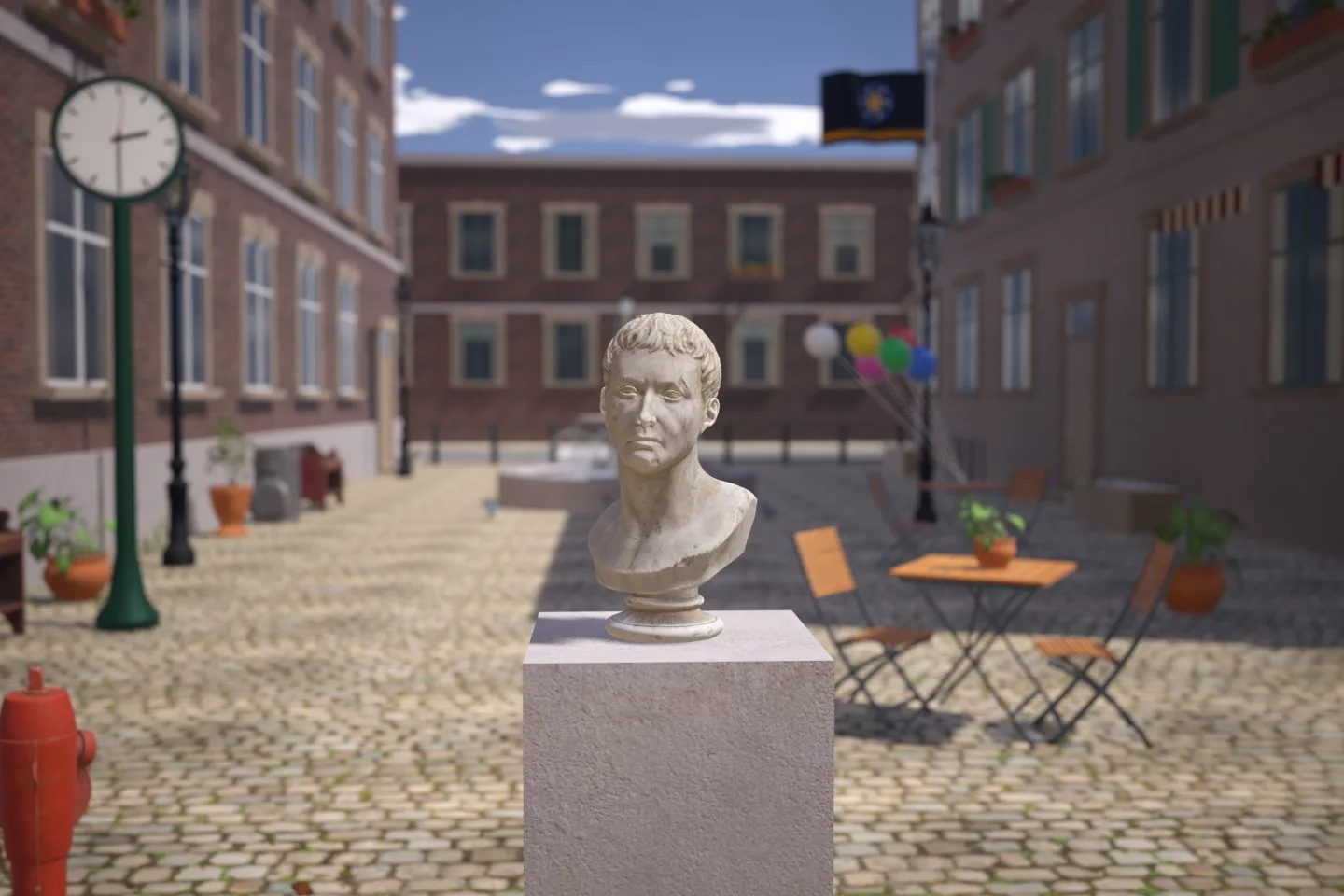
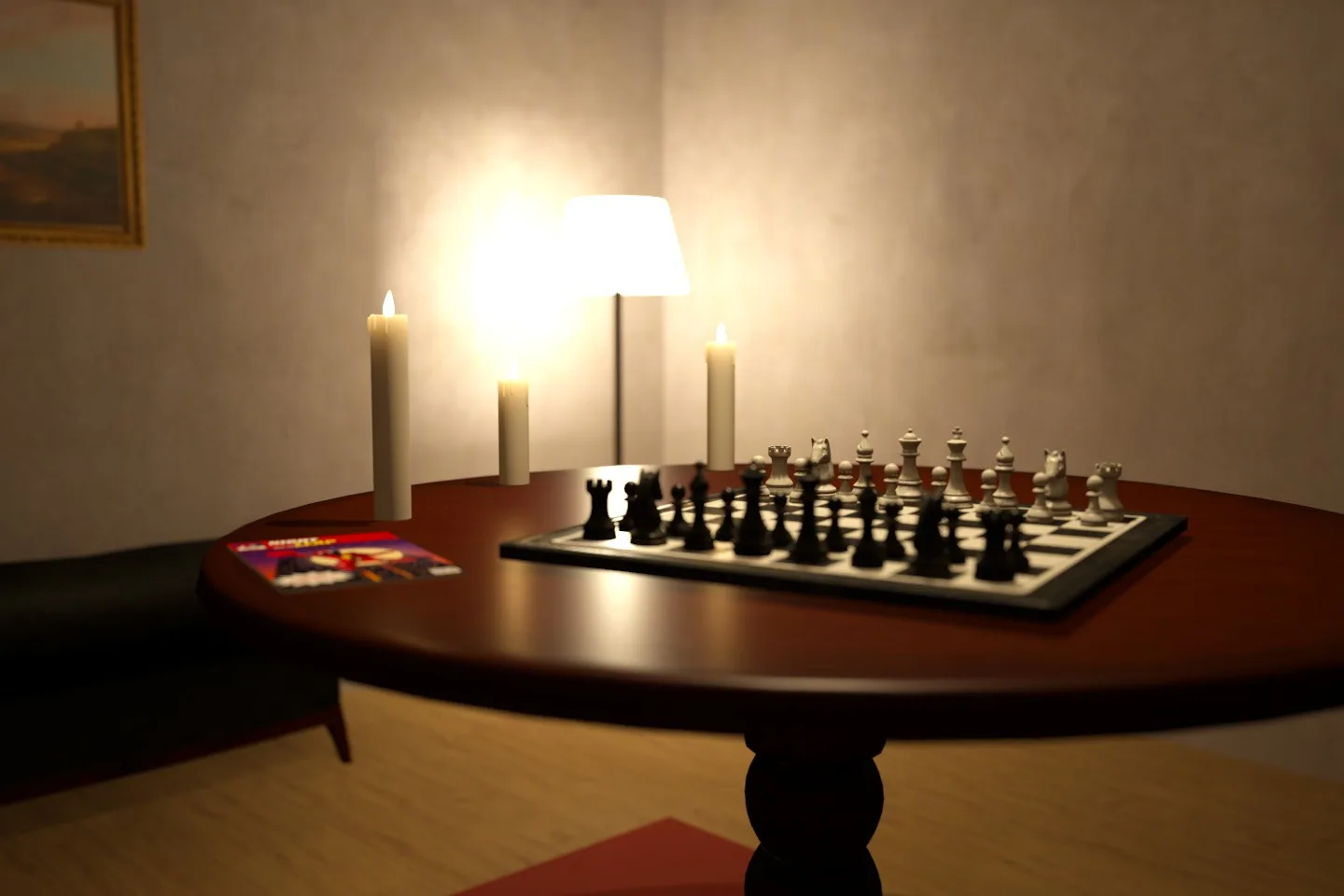
The scenes store real-world brightness, from candlelight to the sun. The simulated camera knows nothing about them and does what a real one does: light through a real aperture, for a real shutter time, onto a sensor with real noise.
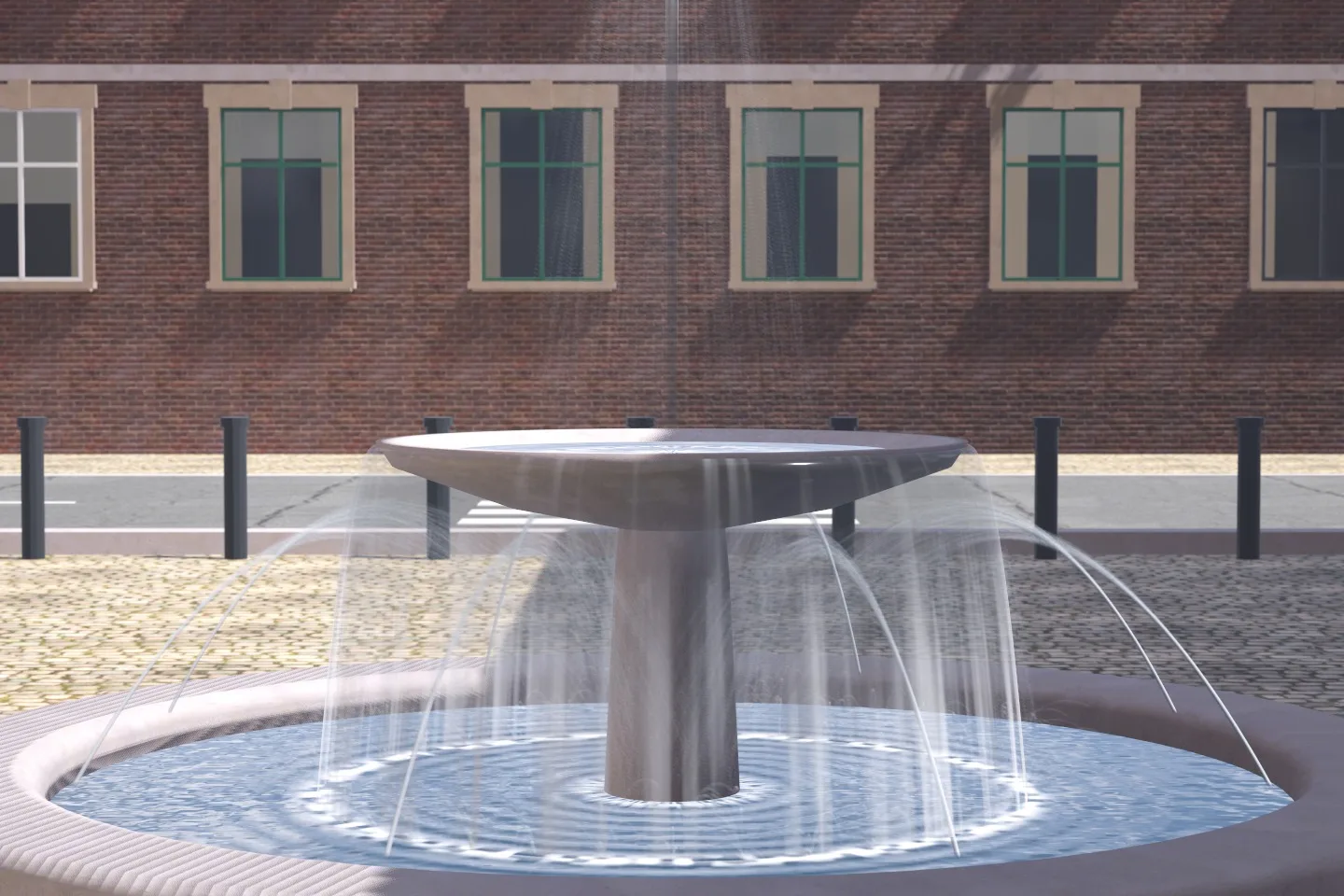
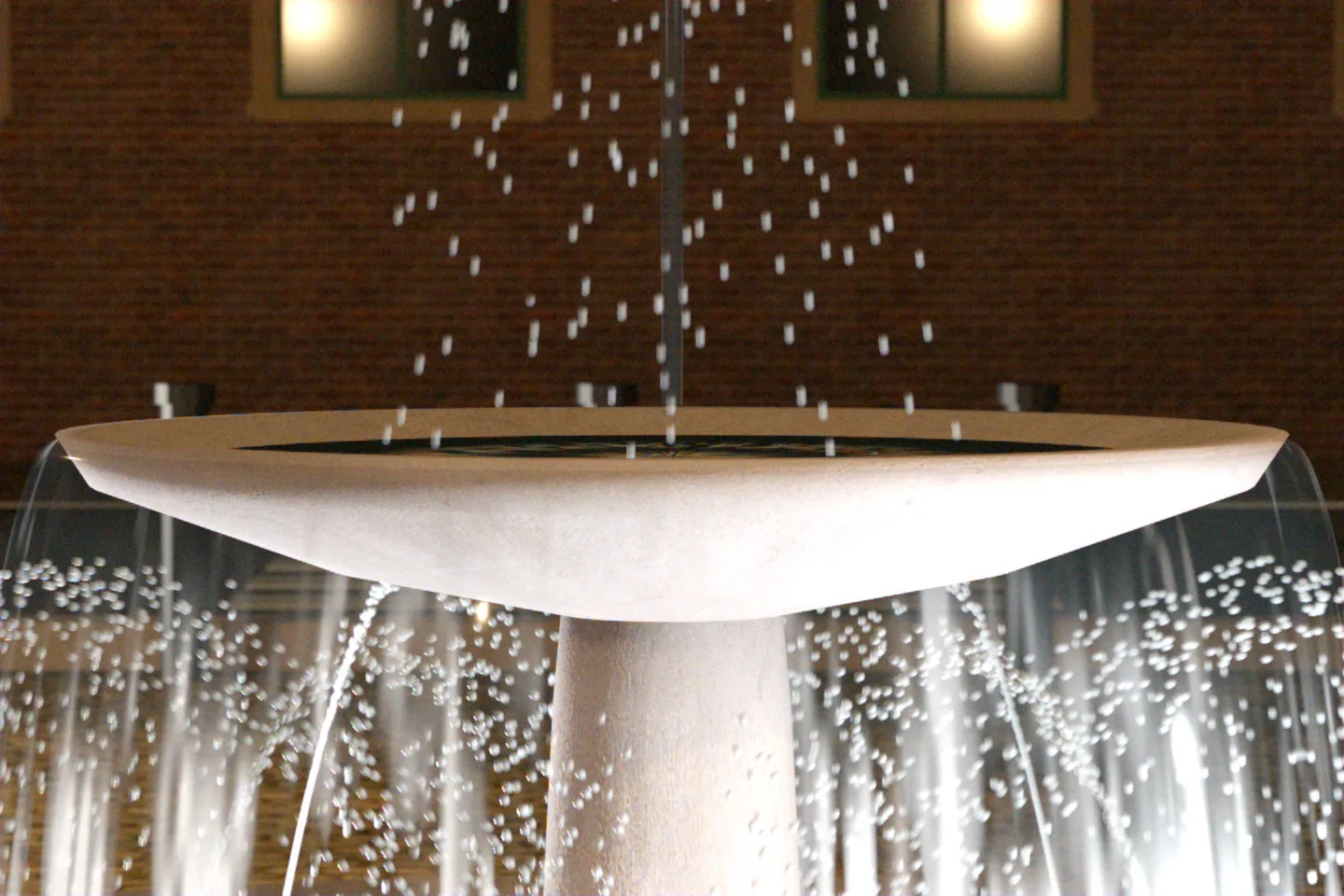
So depth of field, motion blur, grain, diffraction and clipped highlights behave the way they do on your camera, and every number the lessons quote comes from the same model.
Free. All of it.
No sign-up and no paywall. Every lesson, scene and lens, exposure lock, the focus magnifier, sensor sizes, the 100% pixel view, live optics readouts and photo saving.
Browse the lessonsThe lessons work on any device. The simulator needs a laptop or desktop.