Lessons 1 · How a camera works
The exposure triangle
Aperture, shutter speed and ISO all change how bright the photo is. Photographers draw them as the corners of a triangle because they trade against each other: give up some light on one corner and you can take it back on another.
The stop: the unit of light
A stop means double or half the light. Every setting moves in stops, so you can swap one for another:
| Setting | One stop more light | One stop less light |
|---|---|---|
| Aperture | f/5.6 → f/4 | f/5.6 → f/8 |
| Shutter speed | 1/250 s → 1/125 s | 1/250 s → 1/500 s |
| ISO | 400 → 800 | 400 → 200 |
The f-numbers look odd because they describe a diameter, and the light depends on the area. The full stops are f/1.4, 2, 2.8, 4, 5.6, 8, 11, 16 and 22: each one is the previous number times 1.4.
Play with the triangle
Pick how bright the scene is, then move the three settings. The triangle shows how many stops each one contributes, and what else it changes. Turn on Lock exposure and move one setting: another one moves the other way, so the brightness stays the same and only the side effects change.
- Aperture −1.0 Background soft
- Shutter −1.0 Freezes walking people
- ISO 0 Clean
Stops of light compared with f/5.6, 1/125 s, ISO 100. When the three add up to what the scene needs, the photo is balanced. Each one also changes something else.
Same brightness, different pictures
Each row below lets the same amount of light reach the sensor on a sunny day. The photos would be equally bright, but the depth of field, the motion blur and the noise differ.
| Aperture | Shutter | ISO | Exposure value | |
|---|---|---|---|---|
| f/2.8 | 1/2000 | 100 | EV 13.9 | Open |
| f/4 | 1/1000 | 100 | EV 14.0 | Open |
| f/5.6 | 1/500 | 100 | EV 13.9 | Open |
| f/8 | 1/250 | 100 | EV 14.0 | Open |
| f/11 | 1/125 | 100 | EV 13.9 | Open |
| f/11 | 1/500 | 400 | EV 13.9 | Open |
Exposure value (EV) is a single number for an exposure: EV = log2(N²/t) − log2(ISO/100). Small differences come from rounding to standard third-stop values.
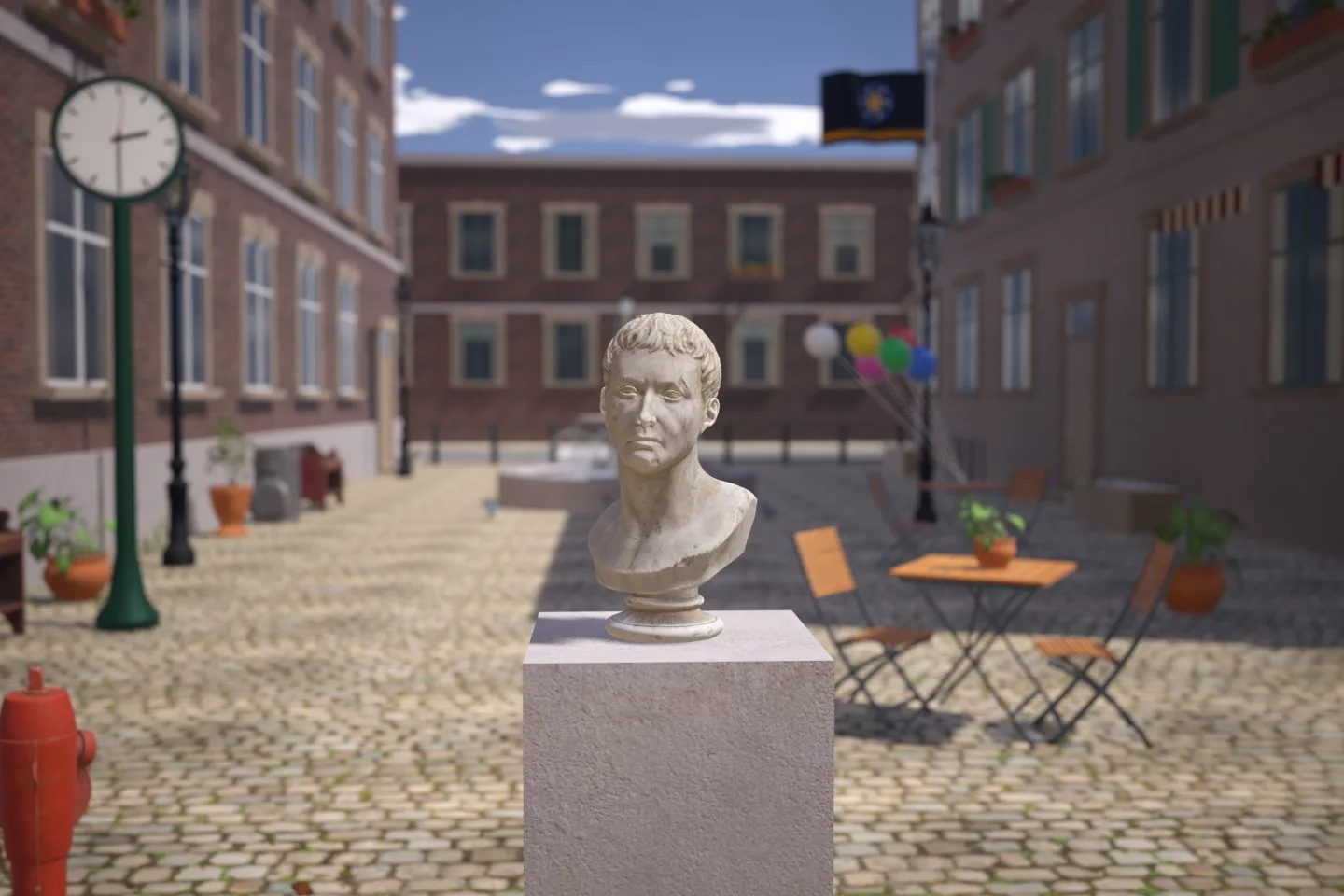
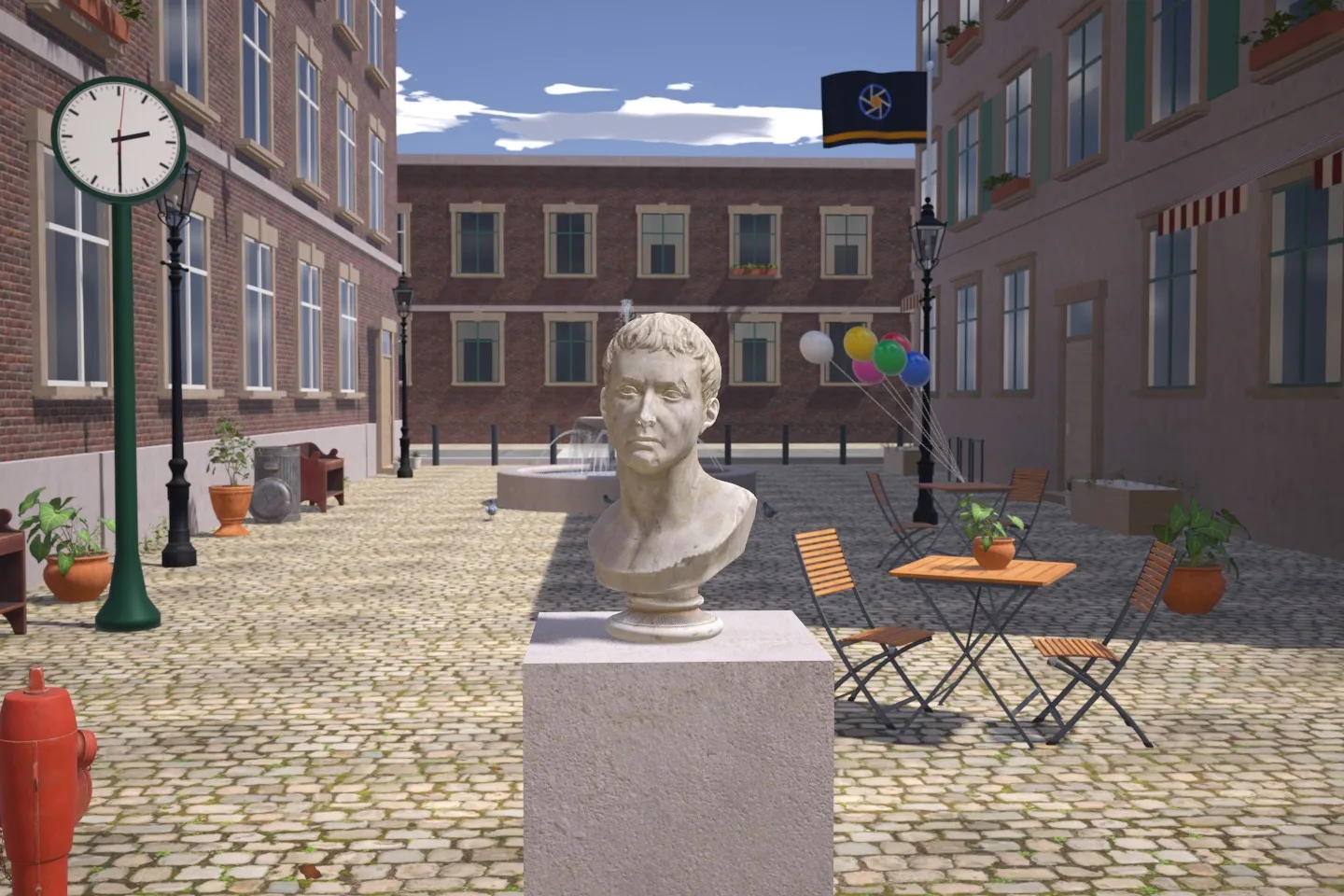
Same brightness, different picture: about five stops moved from the shutter to the aperture. Both rendered by the simulator.
Try it in manual mode
In manual mode (M) you set all three, and the meter tells you how far you are from a normal exposure. Bring the marker back to 0 in three different ways and compare the photos.
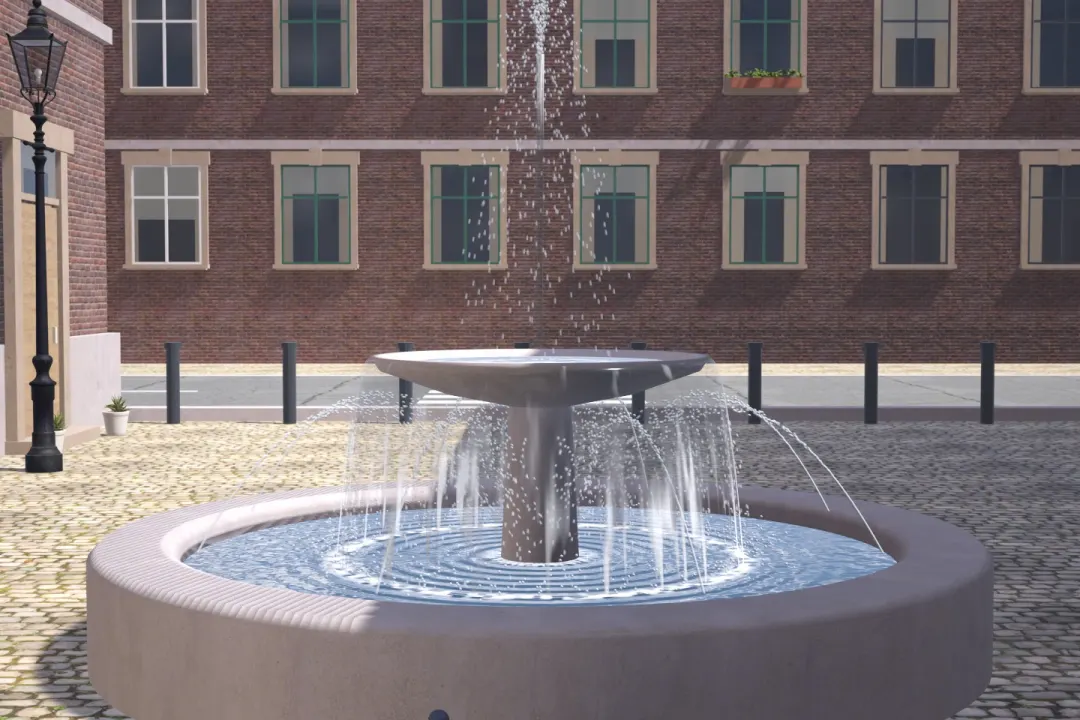
Try this: In manual mode, get the meter marker back to 0 three different ways: once with the aperture, once with the shutter speed and once with ISO. Take a photo each time and compare the water.
Which corner to move first
Decide what matters most in the picture, set that corner, and let the others follow:
- Background or depth matters (portraits, landscapes): choose the aperture first.
- Motion matters (sport, kids, water, light trails): choose the shutter speed first.
- ISO is the one you raise when the other two cannot give you enough light. Keep it as low as the situation allows, but do not be afraid of it.